CardNexia
Book a demo

Platform

One workflow for personalized card artwork.

Embed design, enforce issuer-specific rules, manage approvals and coordinate the handoff—without rebuilding your card issuing infrastructure.

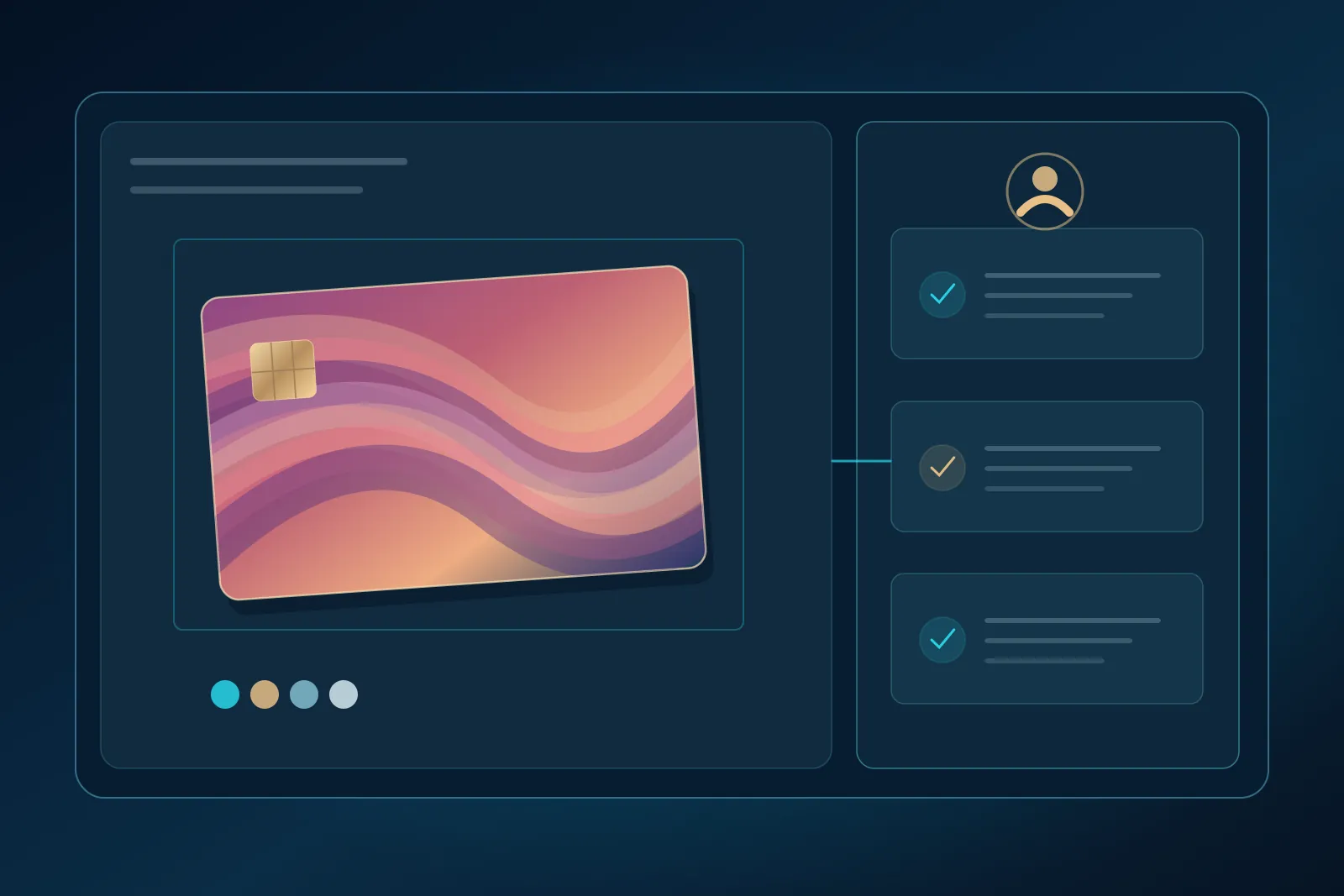
Conceptual stages of the card artwork workflow.
Product architecture
  1. 01 · CardNexiaDesign SDKCardholder creates artwork in your app
  2. 02 · CardNexiaPolicy ChecksYour program's rules, versioned
  3. 03 · CardNexia + reviewersModeration & ReviewAI signals, human decisions
  4. 04 · Your institutionIssuer ApprovalThe final decision stays yours
  5. 05 · To your partnerPartner HandoffApproved assets to an authorized bureau
  • Tenant SecurityIsolated tenants and programs, role-based access
  • Audit EventsEvery step recorded with actor, time and version
  • Webhooks & APIStatus events into your systems at every stage

Module detail

What each module does

Illustration of configurable card artwork constraints.

Design SDK

[Status]
  • Responsive editor with upload and placement
  • Crop and scale
  • Locked issuer zones and pre-approved templates
  • Accessibility and localization
  • Card preview

Full-color feasibility depends on the selected partner's production process.

Policy Engine

[Status]
  • Versioned rules per tenant and program
  • Protected areas and safe areas
  • Artwork formats, dimensions and logo rules
  • Forbidden themes
  • Review and tests for every policy change

AI-assisted screening

[Status]
  • Image classification
  • OCR and text review
  • Potential IP and trademark signals
  • Visual content flags
  • Confidence and explanation on every signal

AI signals are not conclusive legal determinations.

Human approval

[Status]
  • Review queues and reviewer roles
  • Escalation
  • Overrides with a recorded reason
  • The institution makes the final decision
  • SLA controls

Evidence

[Status]
  • Event IDs, timestamps and actors
  • Asset hashes
  • Model and policy versions
  • Decisions
  • Export

Privacy retention follows your contract and applicable law.

Production Connect

[Status]
  • Adapter-based packaging of approved assets
  • Partner-specific file formats
  • Acknowledgements and status callbacks
  • Idempotent handoff with failure retries

The bank or issuer controls production authorization.

Product

Three views of the same workflow

Illustrative interface
Illustrative card design editor on desktop and mobile.
Illustrative interface: cardholder editor with locked issuer zones.
Illustrative artwork review and moderation interface.
Illustrative interface: AI signals inform a human reviewer; they are not legal determinations.
Operations queueProgram: all
SubmissionStatusSLA
SUB-7F3A21In review[SLA]
SUB-7F3A0CSubmitted[SLA]
SUB-7F39E4Approved—
SUB-7F39B1Sent to partnerack received
Illustrative interface: submissions across stages, with partner acknowledgements.

Non-goals

What CardNexia doesn't do

Scope depends on the actual integration and the contractual allocation between your institution, CardNexia and your partners.

  • Issue cards
  • Manage PAN or CVV
  • Provision EMV credentials
  • Print or ship cards

Map CardNexia to your card program.

Walk through your issuer, processor and production setup with our team.

See how CardNexia fits your stack